


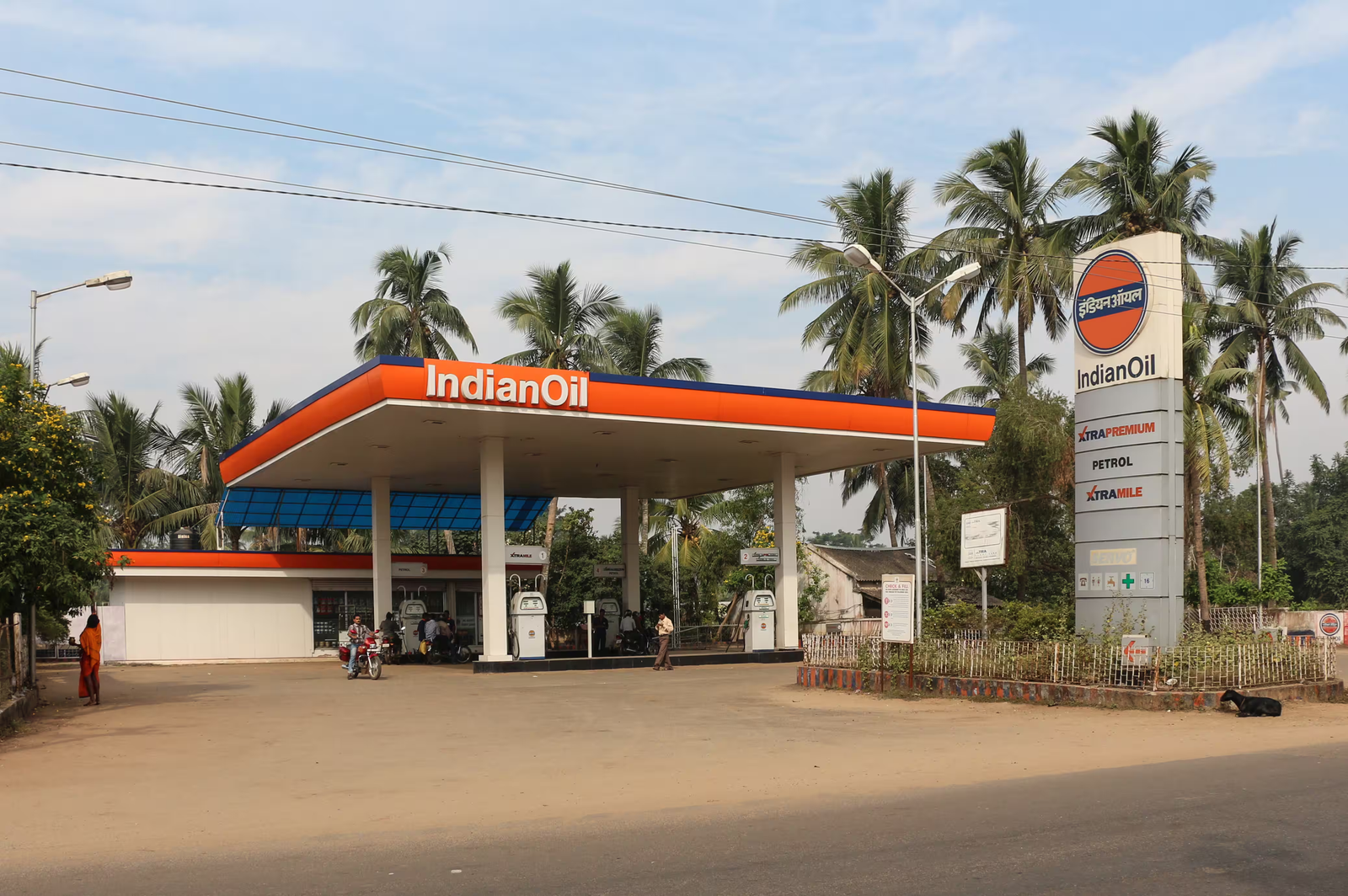
Indian Oil Corporation Limited (IOCL) stands as one of India’s largest public sector enterprises, powering millions of homes, vehicles, and industrial setups daily. To manage its expansive operations and vast network of channel partners, dealers, distributors, and employees, IndianOil provides specialized web portals.
Among these dedicated digital solutions, px.indianoil.in serves as an essential portal designed to streamline partner communications, operational management, and administrative services. Whether you are a business partner, dealer, or authorized representative, understanding how to navigate this platform effectively ensures seamless everyday operations.
What is the PX IndianOil Portal?
The PX IndianOil portal is an enterprise online platform created by Indian Oil Corporation Limited to digitize operational workflows for stakeholders. The letters “PX” typically stand for Partner Exchange or Partner eXperience, serving as a unified digital ecosystem where business associates can access crucial administrative records, place orders, view invoices, and manage service requests directly without needing manual intervention.
By centralizing essential records online, IndianOil enables faster communication, transparent financial tracking, and real-time operational updates across its distribution chain.
Key Features and Benefits of the Portal
The digital ecosystem offers a variety of tools that make managing daily business operations convenient and efficient. Here are the primary benefits available to registered users:
- 24/7 Account Accessibility: Access business details, order histories, and ledger statements anytime, anywhere.
- Order Management: Place supply requests, track shipment statuses, and view delivery updates in real-time.
- Financial Transparency: Instantly download billing statements, GST invoices, and credit balance reports.
- Direct Communication: Lodge operational queries or technical issues directly with regional IOCL offices.
- Enhanced Security: Multi-factor authentication safeguards sensitive commercial transactions and company data.
Technical Overview & Access Matrix
To help you understand who can access the system and what services are available, refer to the feature breakdown below:
| Portal Aspect | Details / Specification |
| Official Domain | px.indianoil.in |
| Managing Entity | Indian Oil Corporation Limited (IOCL) |
| Primary User Groups | Authorized Dealers, Channel Partners, Vendors, Internal Staff |
| Core Functions | Billing Access, Order Tracking, Query Lodging, Ledger Downloads |
| Security Mechanism | User ID, Password Encryption, OTP Verification |
| Supported Browsers | Google Chrome, Mozilla Firefox, Microsoft Edge (Latest Versions) |
Step-by-Step Login Process
Navigating to the authentication page requires taking proper security steps to ensure account safety. Follow this step-by-step procedure to access your portal account:
1.Open a Secure Browser:Ensure your connection is safe.
Launch your web browser (such as Google Chrome or Mozilla Firefox) on a desktop or mobile device. Make sure your internet connection is stable and secure before proceeding.
2.Navigate to the Official Web Address:Double-check the web URL.
Type [https://px.indianoil.in](https://px.indianoil.in) directly into your browser address bar. Always verify that you are on the official IndianOil domain to prevent phishing attempts.
3.Enter Login Credentials:User ID and Password.
On the landing page, locate the account authorization section. Type in your registered User ID (or Employee/Partner Code) alongside your password into the designated input fields.
4.Complete Captcha & Security Verification:Human verification step.
Enter the visual Captcha code displayed on the screen. If two-factor authentication is active on your account, request and enter the One-Time Password (OTP) sent to your registered mobile number.
5.Access Your Account Dashboard:Final submit.
Click the Submit or Login button. Upon successful verification, you will be redirected to your personal partner portal dashboard.
Password Reset and Recovery Guide
Forgetting user credentials can temporarily halt daily business operations. Fortunately, the system provides a straightforward recovery workflow to regain access without requiring immediate manual intervention from support desks.
How to Reset Your Password:
- Visit the main sign-in page at px.indianoil.in.
- Click on the Forgot Password link located near the input fields.
- Enter your registered User ID, Partner Code, or registered email address.
- Select your preferred verification mode (SMS or Email).
- Enter the security code received on your mobile device or inbox.
- Create a new, strong password adhering to security criteria (combining uppercase letters, numbers, and special characters).
- Save the changes and log back in using your new password.
Troubleshooting Common Issues
While accessing online enterprise systems, users occasionally encounter minor technical difficulties. Below are common issues and quick remedies:
1. Browser Compatibility & Cache Errors
- Problem: The page fails to load properly or freezes on the verification step.
- Solution: Clear your web browser’s cache, temporary files, and cookies. Switch to an updated version of Google Chrome or Microsoft Edge, or try opening the page in an Incognito/Private window.
2. Invalid Credentials Error
- Problem: Repeated login failure notifications.
- Solution: Double-check that Caps Lock is disabled. Ensure there are no unintended trailing spaces when copy-pasting your credentials. If the error persists, utilize the password recovery procedure.
3. OTP Delay or Non-Receipt
- Problem: One-Time Passwords do not arrive within the expected timeframe.
- Solution: Confirm that your mobile network signal is strong. Wait for the countdown timer to finish before hitting “Resend OTP.” If the problem continues, check whether your registered mobile number is updated in IndianOil’s master records.
4. System Maintenance Downtime
- Problem: Server timeout or 503 error messages.
- Solution: IndianOil periodically performs routine system upgrades. Wait 15 to 30 minutes before attempting to connect again.
Security Best Practices for Account Holders
Protecting commercial data and operational accounts is vital for preventing unauthorized access. Implementing basic cyber hygiene guarantees that your account stays secure:
- Never Share Credentials: Keep your login ID, password, and OTP secret from unauthorized individuals or third-party agencies.
- Verify URLs: Always confirm that the address bar shows [https://px.indianoil.in](https://px.indianoil.in) with a secure SSL lock icon before entering sensitive details.
- Log Out After Sessions: Always click the official Logout button before closing your browser tab, especially when using shared or workplace computers.
- Update Passwords Regularly: Change your login credentials every 60 to 90 days to minimize security risks.
Contact & Helpdesk Support
If technical errors prevent you from accessing your account after attempting standard recovery steps, reach out directly to official IndianOil support channels:
- Official Website: www.iocl.com
- Regional Officer Contact: Reach out to your assigned IOCL Divisional or Territory Manager for account activation and partner code updates.
- Customer Care Helpline: Toll-free assistance is available through standard IndianOil corporate helplines listed on the official web portal.
