


Instagram Stories allow us to share daily moments with our friends and followers. We post photos of our meals, updates about our lives, and late-night thoughts. These posts disappear after 24 hours. Because they vanish quickly, we often feel safe sharing more personal content. However, this temporary nature creates a major privacy concern: Can people save your temporary posts without your permission?
Many users want to know who saves their content. You might ask yourself, “how to know if someone screenshots your instagram story?” Knowing who captures your photos helps you protect your privacy online.
This deep-dive guide explores exactly how Instagram handles screenshots. We will debunk common myths, explain how to spot viewers, and show you how to protect your private media.
The Short Answer: Does Instagram Notify You of Story Screenshots?
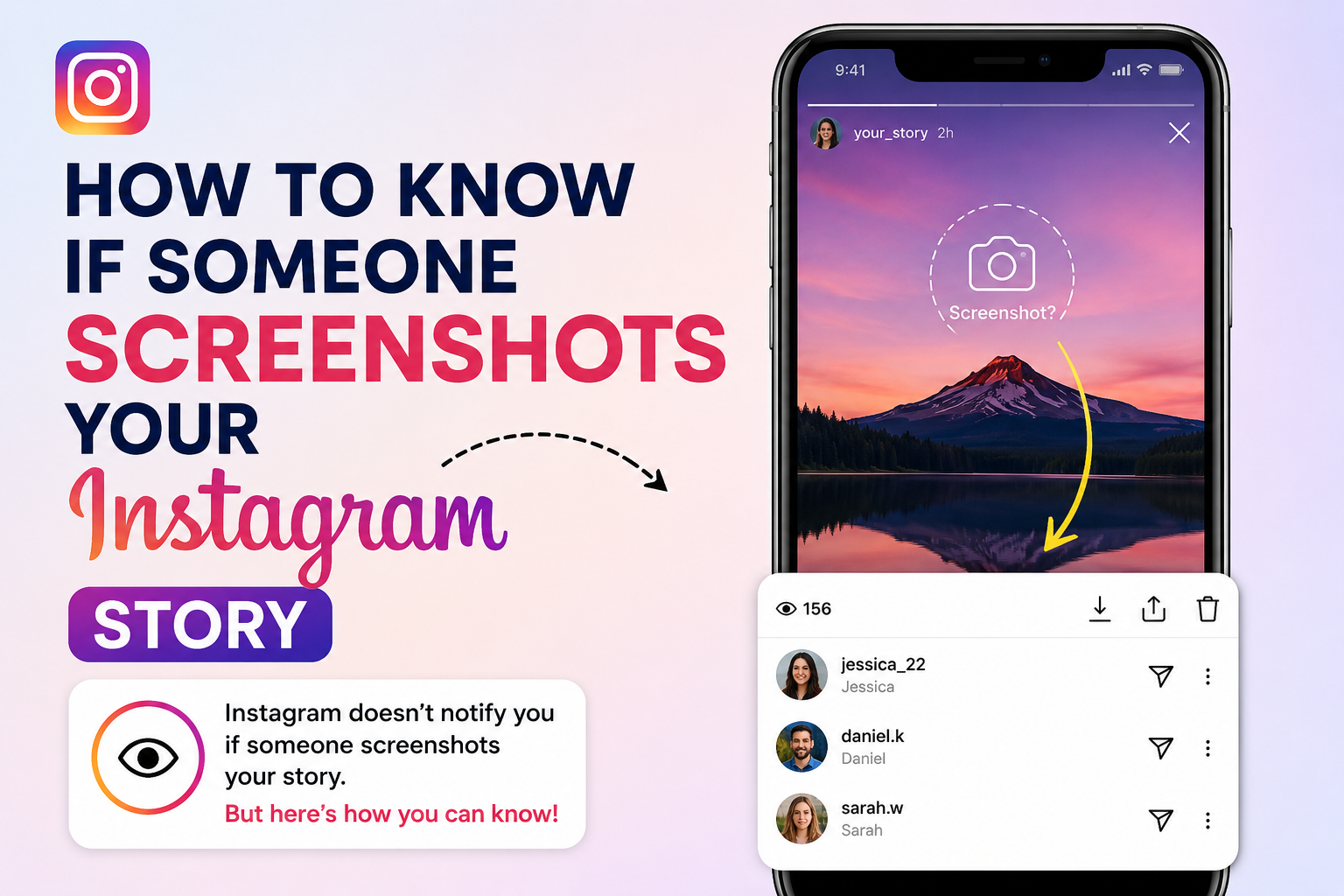
Let us answer the big question immediately. No, Instagram does not notify you when someone takes a screenshot of your regular Story.
If a follower opens your Story and takes a snapshot, Instagram will not send a push notification to your phone. The platform also does not place a special icon next to their name in your viewer list. The person can save your photo or video to their device, and you will never receive an alert.
This rule applies to all standard types of story posts:
- Public Instagram Stories
- Close Friends Stories
- Public Highlights on your profile
Instagram briefly experimented with screenshot alerts for Stories years ago. During that trial, a small camera shutter icon appeared next to the name of anyone who took a screenshot. However, users strongly disliked the feature, and Instagram removed it within months. The app has not brought it back.
Why Doesn’t Instagram Track Story Screenshots?
You might wonder why Instagram allows users to capture your content without your permission. The decision comes down to two major elements: user engagement and practical technology.
1. Keeping App Engagement High
Instagram wants users to spend as much time as possible inside the app. When people feel watched or judged, they tend to browse less. If users knew that every screenshot sent an alert, they might stop exploring or saving content they find helpful. Removing screenshot alerts keeps the user experience relaxed and stress-free.
2. The Impossibility of Total Prevention
Even if Instagram blocked regular phone screenshots, users could easily find workarounds. A person could simply use a second phone or a digital camera to take a physical photo of their screen. Because third-party workarounds are always possible, building a strict in-app alert system does not truly protect a user’s privacy.
How to Track Who Interacts with Your Instagram Story
Since you cannot see who captures a screenshot, your best option is to monitor who views your content. You can easily see the list of people who opened your post.
Follow these steps to check your current Story viewers:
1.Open Your Active Story:Available for 24 Hours.
Tap your profile icon in the top-left corner of your Instagram home feed to view your active post.
2.Swipe Up on the Screen:Reveals the Activity Metric.
Swipe upward from the bottom of your screen to open the viewer insights panel.
3.Review the Viewer List:Audit Your Audience.
Scroll through the list of usernames to see exactly who opened your photo or video.
Important Data Limit: You can see who viewed your Story for up to 48 hours after posting it (by checking your Archive). After 48 hours pass, Instagram permanently deletes the viewer list, even if you save the post to your Highlights.
Beware of Fake Third-Party Tracker Apps
If you search the App Store or Google Play for solutions on how to know if someone screenshots your instagram story, you will find dozens of apps claiming they can reveal this data. Do not download these apps.
These third-party platforms are scams. Instagram uses a secure software system called an API (Application Programming Interface). Instagram’s API does not share screenshot data with outside developers. If Instagram itself does not track the data, an outside app cannot magically find it.
Using these fake apps presents serious security risks:
- Account Hacking: These apps force you to type in your Instagram username and password. Bad actors can use this data to steal your account.
- Data Harvesting: These tools often steal your personal details, friend lists, and private messages to sell them to advertisers.
- Instagram Bans: Instagram’s security system actively blocks accounts that connect to unauthorized third-party apps. Using them can get your account permanently suspended.
The Big Exception: Where Instagram Does Send Screenshot Alerts
While your public Stories are safe from tracking, Instagram handles private Direct Messages (DMs) differently. The platform protects temporary media sent directly to specific users.
If you send a disappearing photo or video inside a DM thread, Instagram will alert you if the recipient captures it. Disappearing media includes “View Once” or “Allow Replay” messages created directly through the DM camera.
When someone screenshots a disappearing DM, Instagram tracks it in two ways:
| Indicator Type | Where It Appears | What It Looks Like |
| Chat Thread Icon | Main DM conversation screen | A small, circular hatch/shutter icon appears next to the message delivery status. |
| Notification Bubble | Phone lock screen / Notification center | A push notification stating “[Username] took a screenshot of the photo you sent.” |
This tracking feature only applies to disappearing media. If you send a normal photo from your phone’s camera roll into a chat, the other user can save it without triggering an alert.
Proactive Strategies to Protect Your Story Privacy
You cannot completely stop someone from saving a public post, but you can control who has access to your media. Use these built-in settings to secure your profile:
1. Create a “Close Friends” List
Instead of sharing personal moments with all your followers, narrow down your audience. The Close Friends feature lets you share stories with a select group of trusted people.
- Go to your Profile and tap the three lines in the top right.
- Select Close Friends and add your closest contacts.
- When posting a Story, choose the green Close Friends star at the bottom.
2. Switch Your Account to Private
If your account remains public, anyone on the internet can search your username, view your Stories anonymously, and save your photos. Switching to a private account ensures that only approved followers can see your daily updates.
3. Block Specific Users from Seeing Your Stories
If you want to keep your account public but hide your updates from a specific person, you can hide your content from them individually.
- Go to the person’s profile page.
- Tap the three dots in the top-right corner.
- Select Hide Your Story. They will remain your follower, but your active updates will no longer appear on their feed.
Summary of Best Practices for Digital Privacy
The digital world makes it incredibly easy for anyone to duplicate text, images, and video. Treat the app like an open space. Before you hit the post button, keep these quick tips in mind:
- Assume everything is permanent: Even though a Story expires after 24 hours, treat every upload as if it will live online forever.
- Audit your followers: Regularly scroll through your follower list and remove accounts that look spammy, inactive, or unfamiliar.
- Keep sensitive data offline: Never post images that show your home address, financial details, school locations, or daily travel routines.
By managing your audience and adjusting your privacy settings, you can safely enjoy sharing your life online without worrying about who might be saving your photos behind your back.
